Getting started with XMS Calendar
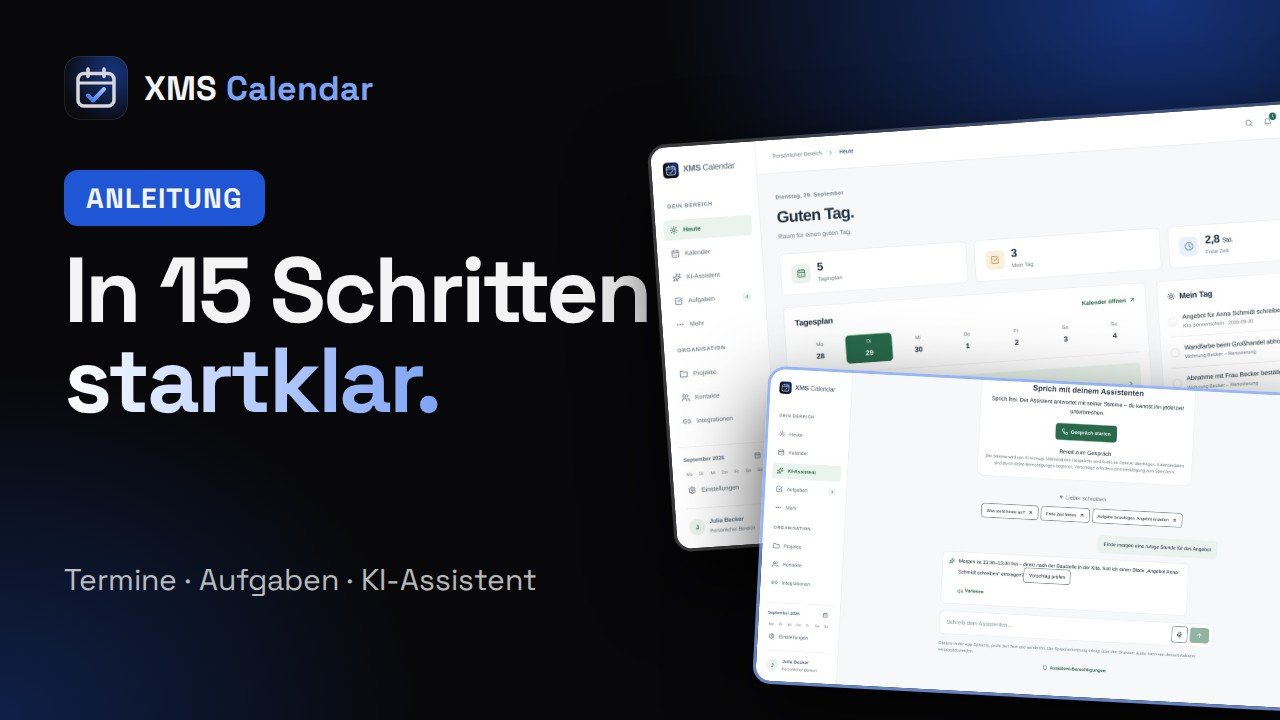
From your account to the AI assistant – as a video (about 2.5 minutes, in German) and step by step to read.
Playing loads the video from YouTube (youtube-nocookie.com); data is transferred to Google.
Step by step
- 1
Create an account
Open app.xmscalendar.com and choose “Create account”. Name, email and a password with at least 12 characters – then try it free for 14 days.
- 2
Start empty or with a sample day
Start with an empty calendar or click “Add sample day” to try every feature right away.
- 3
Today – your day at a glance
The “Today” page shows your day plan, the tasks for “My day” and how much free time you have left.
- 4
Add an event quickly
Via “Add”, type the way you speak – e.g. “Client meeting Weber tomorrow at 3pm” – and let it recognise the event. Set type, work/private and a reminder right there.
- 5
Calendar views
Switch between day, 3 days, week and month. Work and private are colour-coded.
- 6
Tasks & My day
Under “Tasks” you see what is important, scheduled or done. With “My day” you pick what you want to get done today.
- 7
Projects
Link events, tasks and materials to a project – everything for one job in one place.
- 8
Contacts
Open a contact and start directions, a call or a message with one click. Linked events are shown right below.
- 9
Bookings
Under “More → Bookings” you manage reservations with contact and project. Overlaps are checked when saving.
- 10
AI assistant in chat
Ask the assistant for a quiet hour, for example. It makes a suggestion – nothing is saved until you review and confirm it.
- 11
Live conversation
With “Start conversation” you talk to the assistant directly – it answers with a natural voice in English, German or Polish.
- 12
Permissions
Under “Privacy and data” you grant one by one what the assistant may read or change. Without permission the AI sees nothing.
- 13
Reminders
Enable notifications under “Reminders” on every device – they arrive even when the app is closed.
- 14
Import, export & availability
In settings you export and import .ics files (Google, Apple, Outlook) and set your hours for bookings.
- 15
Plan & language
Choose language (DE/PL/EN), appearance and your plan: Basis €4.99 or Plus €9.99 per month. Enter a voucher code right there.
Ready? Try it free for 14 days.
Basis €4.99 · Plus €9.99 per month · install from your browser, no app store.